Unlock the full potential of the Octaved Flow trial version
With the Octaved Flow trial version, you’ll get direct access to professional project management tools and can experience our software’s most powerful features for yourself.
With the Octaved Flow trial version, you get direct access to professional project management and can experience the most powerful features of our software for yourself.
What you should know before starting the trial
-
The trial version gives you immediate, unrestricted access to all features of the Business version of Octaved Flow—no restrictions, no compromises.
-
After 30 days, you will automatically be downgraded to the free version of Octaved Flow, which limits the available features. Therefore, make the most of the trial period to explore the full range of features.
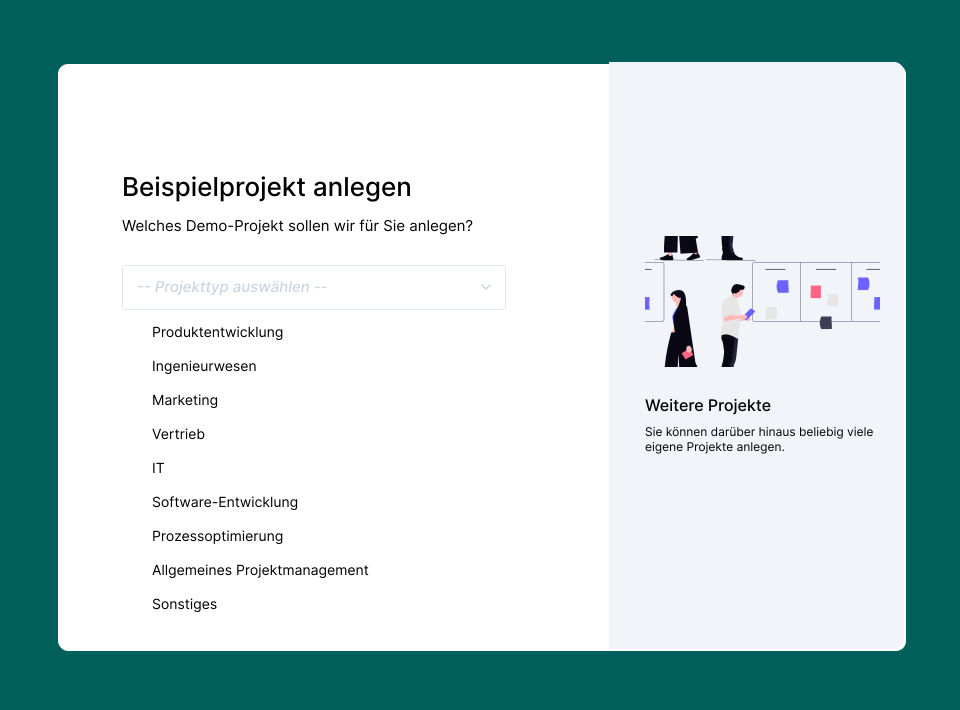
Choose a Test Project
When you register, you’ll choose a test project that best fits your industry. Octaved Flow automatically adapts the included work packages to your work environment, so you start with a realistic scenario instead of an empty template. If no project matches your industry exactly, simply choose the one that’s most similar or use the general project.
The test project creates a complete initial project with work packages and a schedule, allowing you to experience the most important features in a practical context right from the start. Once you’ve familiarized yourself with Octaved Flow, you can easily create your own projects. Learn how to do this here: LINK.
Top Starter Features
Some of Octaved Flow’s features deliver value particularly quickly. To get started, we especially recommend two of them: project planning with a Gantt chart, which lets you see time dependencies at a glance, and the table view, which provides a clear overview of all projects and their work packages. Use the built-in filters to selectively show or hide specific properties—a simple yet powerful feature that demonstrates how flexibly Octaved Flow can adapt to your workflow.
Advanced Features of Octaved Flow
Once you’ve mastered the basics, it’s time to dive deeper. Octaved Flow’s advanced features are designed to make even complex projects efficiently manageable—and this is where the software truly demonstrates its full potential.
Team Planning
With team planning, you can balance resource allocation across all projects so that every project can be completed efficiently and on schedule.
Planning Simulation
Here, you can respond flexibly to changes and run through different scenarios without altering the official project plan.
Project Controlling
With project controlling, you can easily monitor not only the progress but also the cost-effectiveness of your projects. For example, using burndown and earned value charts, you can analyze the extent to which project goals align with completed work packages and whether your project remains on track.