Field technician planner
Manage the deployment of your field technicians for all construction sites.
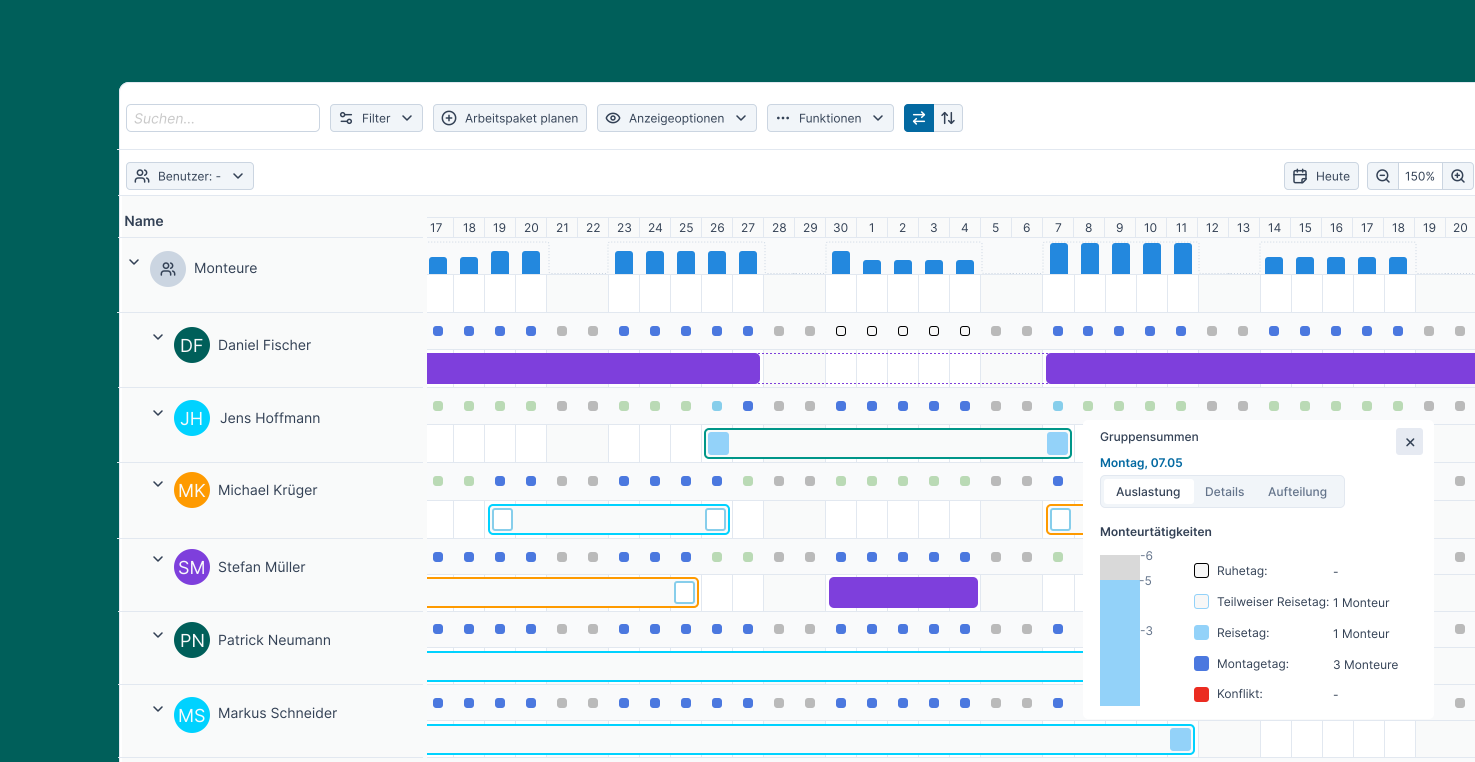

Optimal utilization of technicians
Deploy your own in-house technicians first before resorting to external resources.

Cross-project planning
Include all projects and construction sites transparently in your technician planning.

No overlaps
Avoid duplicate assignments of technicians by using a central database.
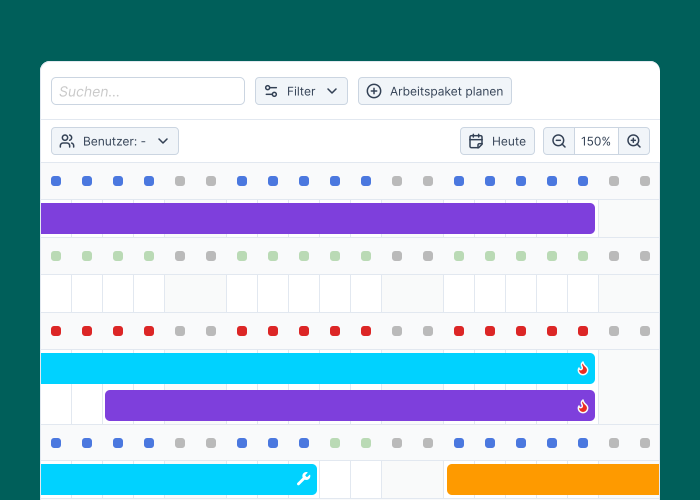
Perfectly balanced planning for field technicians
Technician assignments at a glance
Use the compact utilization display with dots to get a clear overview of the availability and assignments of all technicians.
Practical daily planning
Schedule technicians on a daily basis rather than hourly, as unlike office workers, they can only work on one construction site per day.
Maximizing technician utilization
Prioritize your own technicians with groups and filters in your planning, and only then resort to external service providers.
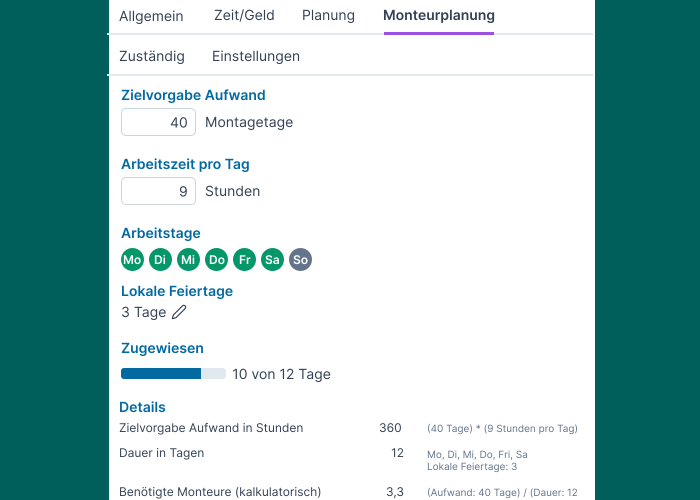
Transparency for projects and construction sites
Cross-project view
Get a centralized overview of all construction sites and technicians instead of having to compile data from maintenance-intensive and error-prone Excel solutions.
Monitor targets
Define the assembly effort in days and use the field technician planner overview to ensure that enough technicians are assigned to the site at all times.
Travel days and local holidays
Take into account the arrival and departure of the technicians as well as local holidays to get a clear picture of the net installation days.
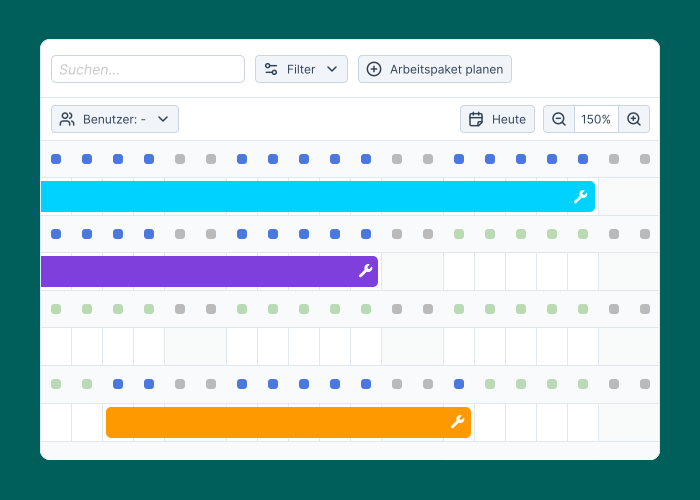
Simplify your field technician planning
Split screen
Assign technicians to the respective construction sites directly in the project plan using drag & drop on the split screen, or reassign technicians when plans change.
Special skills
Filter the view by specific qualifications to be able to deploy suitable technicians in a targeted manner.
Material resources
Plan for the material resources required for each construction site, such as special tools or vehicles.